
How to get photos from wedding guests: 5 options compared
How to collect the photos your guests take at your wedding: group texts, iCloud and Google Photos albums, Drive, disposables and apps. Real pros and cons.
 By Eduardo Boscá · 6 min read
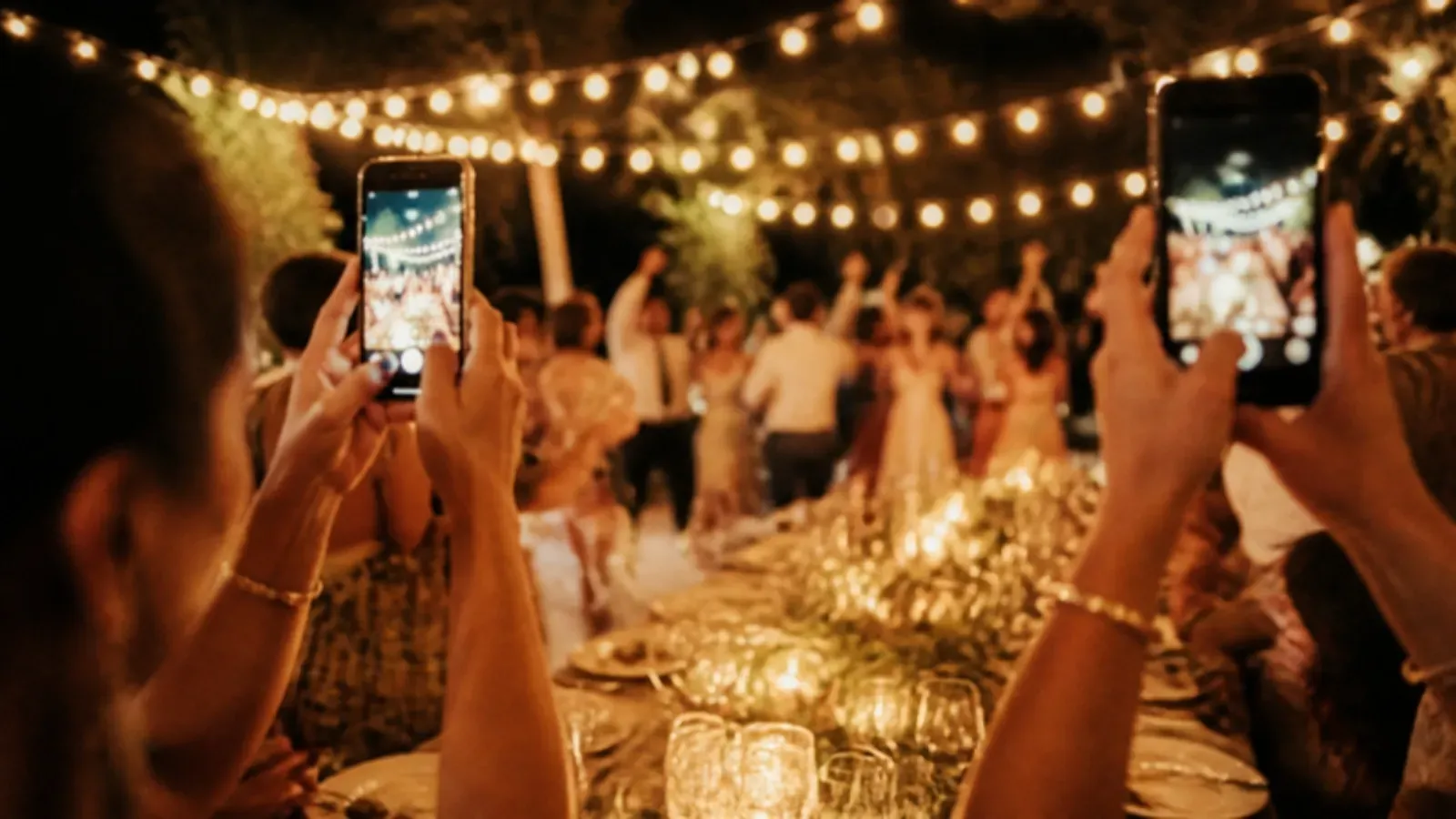
Your photographer will give you a polished gallery. Your guests will give you something else: Grandpa on the dance floor, your college friends' table losing it, the toasts seen from the back of the room.
Those photos exist. The average US wedding had 117 guests in 2025, according to The Knot's 2026 Real Weddings Study, and 91% of US adults own a smartphone, per Pew Research Center. So the photos are there. They're just spread across a hundred phones. This guide walks you through the ways to bring them together, and where each one falls short.
Why they're worth collecting
- They cover moments your photographer doesn't see. One person can only be in one place at a time.
- They show the wedding through each guest's eyes.
- They add to the professional photos. They don't replace them.
If you ask for them without a plan, the usual thing happens: a week later nobody has sent anything, and three months later nobody remembers.
Before you pick a tool, decide three things
- When you want them. During the wedding or after? If you ask afterward, you'll get fewer.
- Where you want to see them. One place, not five group texts.
- How you'll tell your guests. Your wedding website, a sign at the reception, a QR code on the tables or a text before the day.
The fewer steps for your guests, the more photos you'll get.
The options, one by one
1. Group text or group chat
It's the easiest to set up. Everyone already texts.
- Pros: free, instant, nothing to explain.
- Cons: photos sent by text can arrive compressed, especially between iPhones and Android phones, as SlashGear explains. WhatsApp isn't a safe default either: only 32% of US adults use it, and it sends photos in standard quality unless each person picks HD. In any chat, photos get buried under messages and congratulations, and guests who don't know each other end up sharing phone numbers.
2. Shared phone album (iCloud or Google Photos)
You create an album and invite people or share a link.
- Pros: free or close to it, and tidy. The photos stay in one place.
- Cons: each platform has its own rules. An iCloud Shared Album allows up to 100 participants, owner included, which a big guest list can hit. Albums created on Apple's newest software keep full resolution but count against the owner's iCloud storage; older ones shrink photos to 2048 pixels on the long side. In Google Photos, anyone with the link can view the album and add to it, so think about where that link ends up. Guests on the other platform usually face a few more steps.
3. Google Drive or Dropbox folder
Works if your guests are comfortable with tech.
- Pros: full control of the folder and easy to organize.
- Cons: uploading files from a phone is less intuitive, and some guests will give up. Check how much space you have.
4. Disposable cameras
One per table, with a note asking people to use them.
- Pros: they have charm, and people take photos without a screen in the way.
- Cons: they need developing, each camera costs money and you can't control how many photos come out. It takes weeks to see them, and some end up in someone's bag.
5. Wedding photo apps
There are several. Most work with a QR code or a link and collect the photos in a shared album.
- Pros: built for exactly this. Guests upload without hassle and you see everything together.
- Cons: it's one more tool. Look at what it asks of guests, what the free plan includes and what happens to the photos after a while.
Comparison table
| Option | Cost | Effort for guests | All in one place | Watch out for |
|---|---|---|---|---|
| Group text / chat | Free | Very low | No | Compressed photos, buried in the thread |
| Shared album | Free or paid storage | Medium | Yes | Participant limits, storage, mixed iPhone/Android |
| Drive / Dropbox | Free or paid plan | Medium-high | Yes | Clunky uploads from a phone |
| Disposables | Per camera + developing | Low | No | The wait and unpredictable results |
| Wedding app | Varies | Low | Yes | Free plan limits |
How to ask so the photos actually arrive
- Tell them ahead of time. One line on your wedding website or in a text before the day.
- Make access easy to see. A QR code on the tables, at the bar or on the welcome sign.
- One channel only. Offer three and people use none.
- Set a deadline. "By the Sunday after the wedding" works better than "whenever you get a chance."
- Say thank you. A short message afterward nudges the people who haven't shared anything yet.
- Ask for the before and after too: getting ready, the rehearsal dinner, the after-party.
What to talk through with your photographer
Let them know your guests will be taking photos. It doesn't compete with their work.
If you want an unplugged ceremony, your officiant or photographer can ask guests to put their phones away before you walk down the aisle. It's up to each couple, but it keeps the ceremony photos free of screens. Then tell guests when to bring their phones back out: cocktail hour, the reception, the dance floor.
Where Carrete fits
Carrete is a shared album for events. Guests scan a QR code or open a link and take photos in the app, and they all land in the same place. It's meant to add to your photographer's work, not replace it. Not every guest will use it, and that's fine: the ones who do will give you photos you wouldn't have otherwise.
If you're curious, you can try it free with up to 5 people and see if it fits your wedding before deciding anything. Here's how it works at a wedding. If you'd rather go with one of the other options above, everything here still applies.
Frequently asked questions
How many photos will I get from my guests?
It depends on how many guests you have, how easy it is to share and how often you remind them. There's no reliable number that applies to every wedding. What does make a difference: fewer steps mean more photos.
Is it better to ask for them during the wedding or after?
During, or with the QR code or link very visible that same day. Afterward, most people put it off and forget. Even so, a reminder the week after helps you collect the ones that are missing.
Do I need my guests' permission to use their photos?
The simplest approach is to tell them the photos are being collected for the two of you and won't be posted without their OK. If you plan to share photos on social media that show other people, ask them first.
What do I do about guests who don't want to share photos?
Nothing. It's optional. Even if only some of your guests take part, you'll still have photos that are different from the photographer's.